Urgent Care Walk-In Queue Software
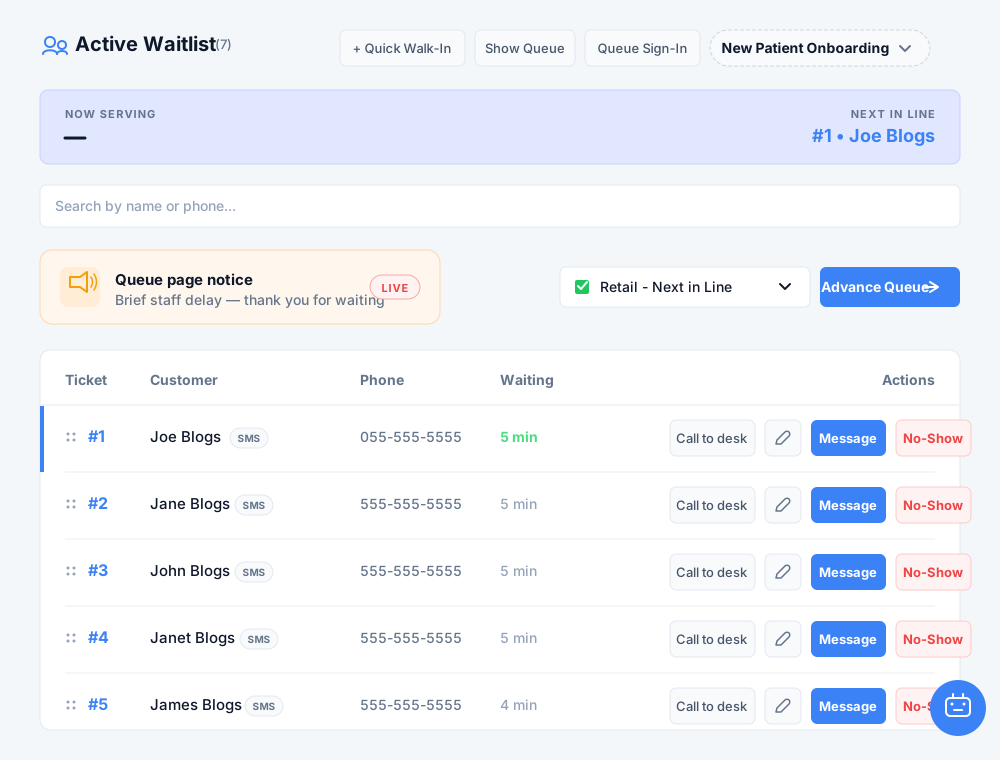
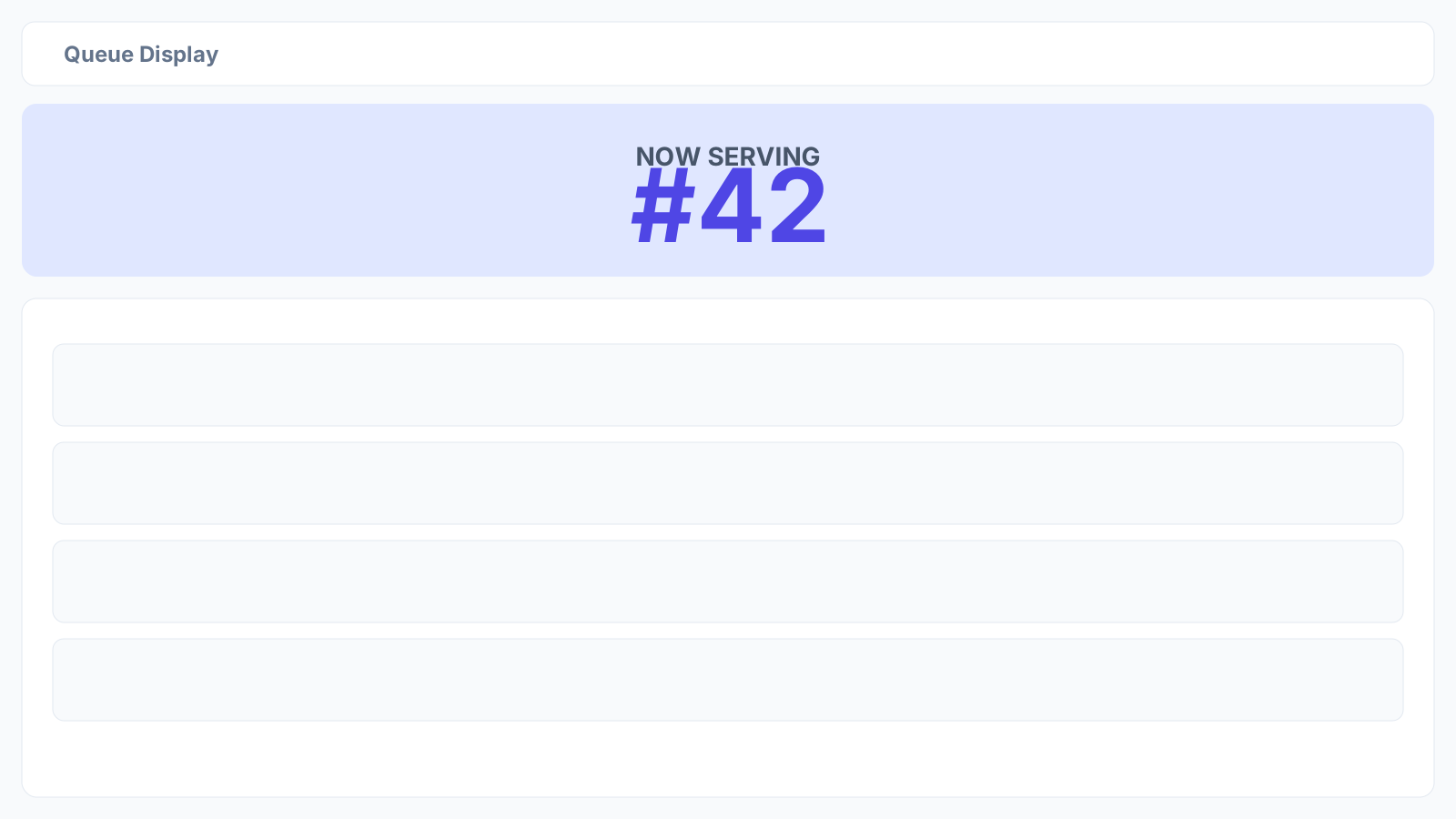
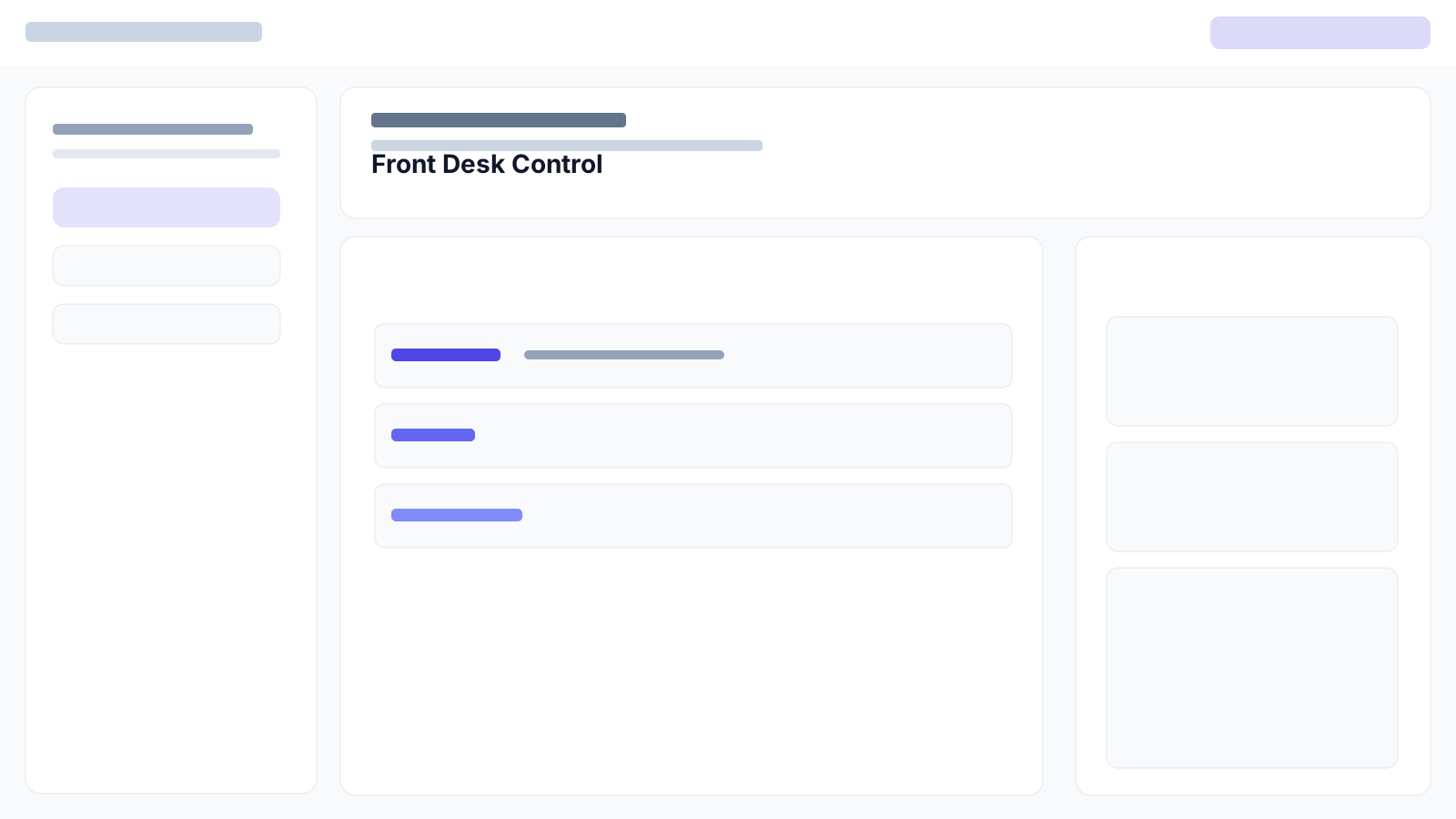
Urgent care clinics experience unpredictable patient arrivals throughout the day. When multiple walk-in patients arrive at once, reception desks quickly become congested. iQueuing is B2B SaaS for front desk teams that simplifies patient arrival flow. Our urgent care walk-in queue software lets clinics run virtual queues, manage booked visits, and coordinate staff schedules from a single operational view. iQueuing focuses purely on front desk coordination and arrival flow management. How do patients join the virtual queue? Patients can join the queue in several simple ways depending on clinic setup. They can scan a QR code at your entrance with QR join, send an SMS message with SMS join, or use a lobby tablet check-in running on a tablet your clinic already owns. Once checked in, patients receive updates via SMS or WhatsApp notifications with their status and estimated wait time. Our messaging respects transactional messaging guidelines and includes standard STOP and HELP compliance commands. Because updates go directly to mobile devices, patients can wait outside or in their cars rather than filling the reception waiting area. Can we run the software on our own lobby tablets and TV screens? Yes. iQueuing is purely a software platform. We do not manufacture or sell hardware. You run our lobby tablet check-in interface on customer-owned tablets and display queue progress on any lobby TV screen using a standard web browser. If your facility requires physical paper tickets for patients without mobile devices, you can optionally print a number stub on a ticket or label printer that you already own. How does iQueuing handle booked appointments alongside walk-ins? The iQueuing Front Desk board unifies walk-ins and scheduled appointments in one central view. Reception staff can monitor clinic capacity, review staff schedules, and call patients in sequence. When managing mobile visiting teams or home-visit services, iQueuing also supports field arrival updates with live guest track links so patients know when staff members are en route. Our system connects with everyday tools to keep your practice running smoothly. Native connectors under Settings include Google Calendar, Stripe, OpenAI, Telnyx, Twilio BYOT, and Zapier webhooks. For external CRM tools like Salesforce or HubSpot, clinics connect via Zapier or customer webhooks rather than native apps. Messaging can run via platform channels, or clinics on our Scale plan can bring their own Twilio or Telnyx accounts (BYOT). Custom domain and brand control options are available on documented add-on packages. Is a credit card required to start a trial? No credit card is needed when you start our 7-day trial at https://iqueuing.com/trial. The trial provides full access to test virtual queues and Front Desk tools. When you decide to activate a paid subscription, checkout requires a credit card. Transparent pricing details and tiers are available at https://iqueuing.com/pricing. For full legal and security details, review our published terms at https://iqueuing.com/terms and privacy policies at https://iqueuing.com/privacy.
FAQ
How do patients join the virtual queue?
Patients can join via QR join by scanning a poster at the clinic, send a text via SMS join, or use a lobby tablet check-in on a customer-owned tablet.
Can we run the software on our own lobby tablets and TV screens?
Yes. iQueuing is software only. You can run check-in on your own tablets, show queue status on your own TV screens via a web browser, and optionally print number stubs on your own label or optional label printer you already own.
How does iQueuing handle booked appointments alongside walk-ins?
The Front Desk board unifies both walk-ins and booked visits in a single queue view, respecting staff schedules and clinic capacity limits.
Is a credit card required to start a trial?
No. The 7-day trial at https://iqueuing.com/trial does not require a credit card. Paid subscriptions purchased via checkout require a credit card.