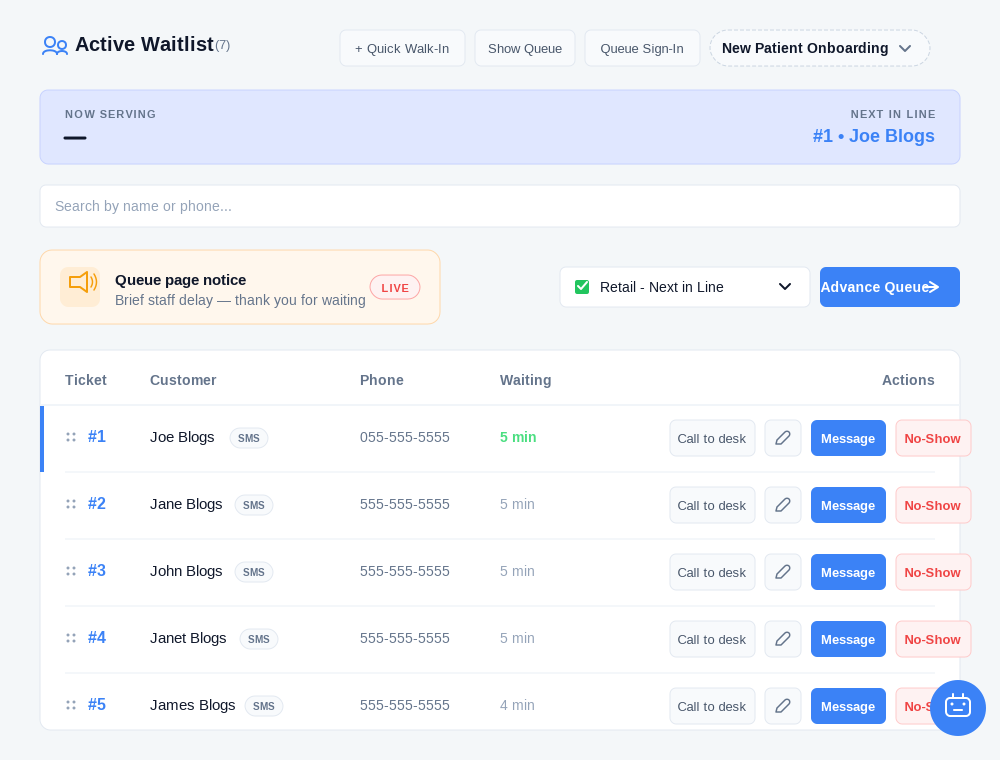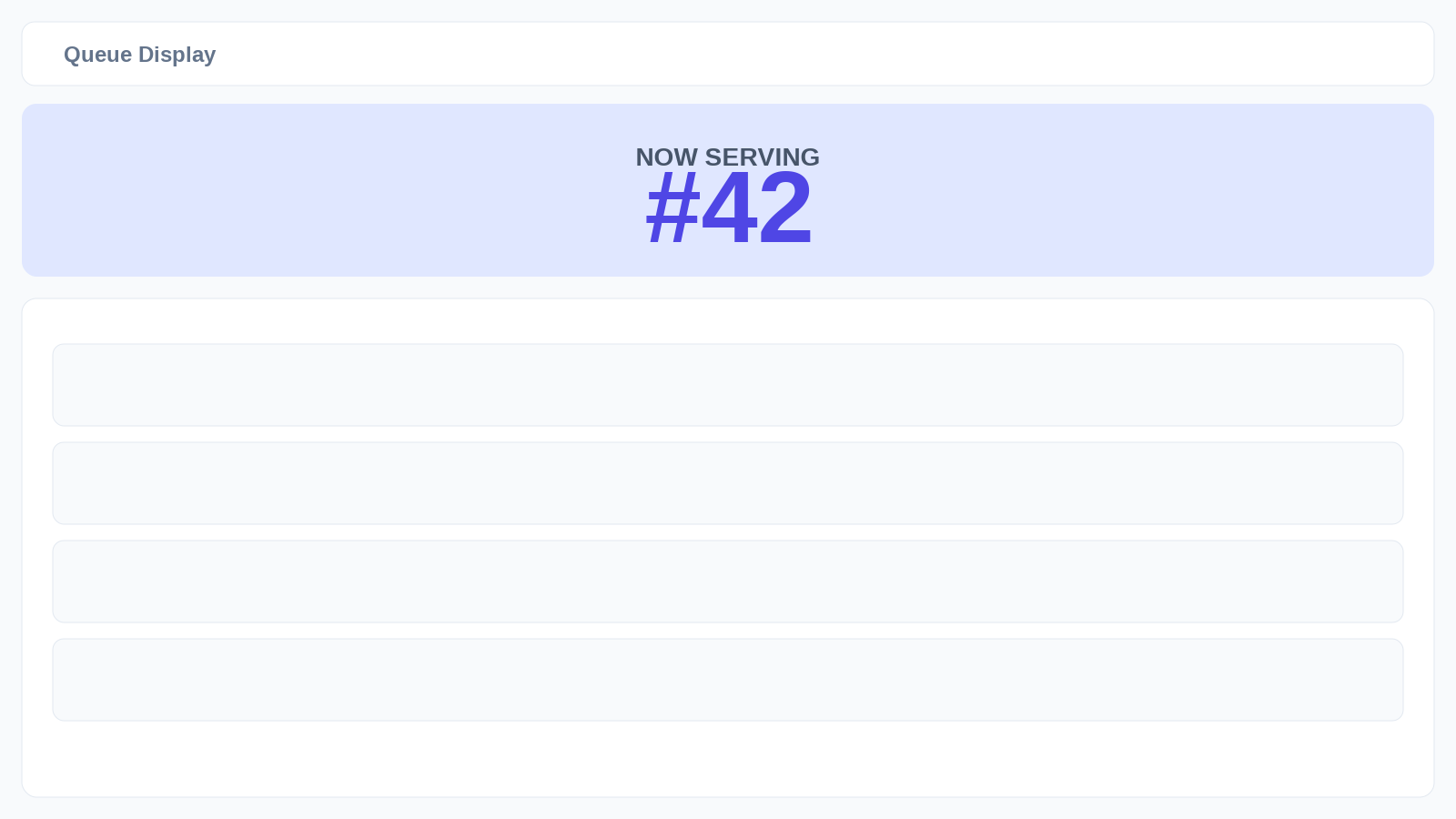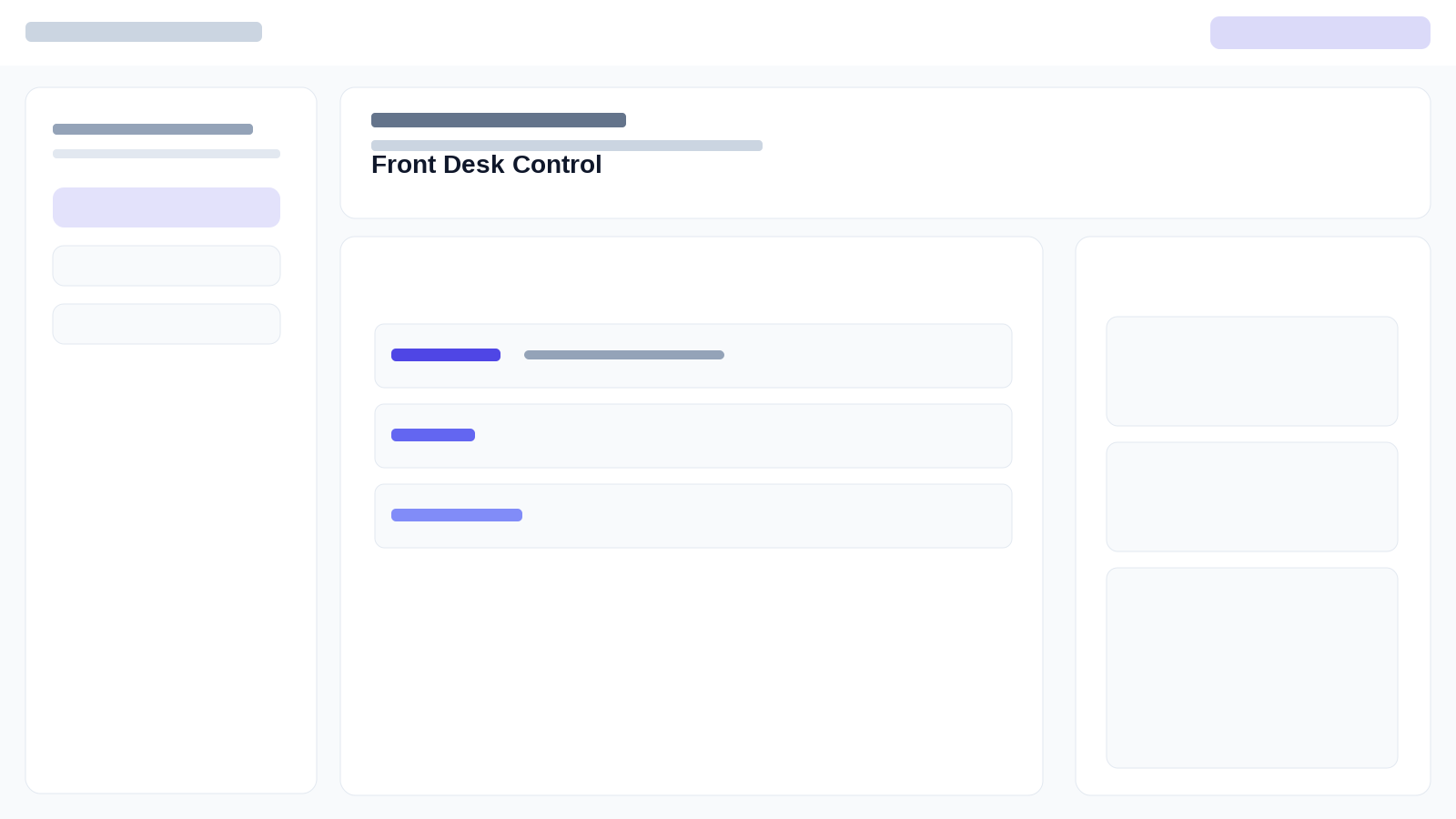
Running a busy restaurant kitchen requires steady coordination between dine-in diners, takeaway guests, and delivery operations. When couriers arrive early or customers cluster around the host stand waiting for orders, the front of house gets crowded fast. iQueuing gives your restaurant a clear system to organize order pickups, manage driver queues, and share live status alerts without adding chaos to your counter. Front Desk unifies walk-ins and bookings on one board. Kitchen teams and hosts can see incoming pickup orders, seated guests, and courier handoffs in one shared view. Delivery drivers and pickup guests can join a queue by scanning an on-counter QR code or sending an SMS. For customers who prefer a physical prompt, your staff can optionally print a number stub on a label or optional label printer you already own you already own. There is no proprietary hardware to purchase. Any customer-facing screen runs as software on your existing lobby tablet check-in device or TV display. How does iQueuing handle delivery drivers and customer pickups together? Front Desk keeps both streams organized on one screen. When an online delivery order or takeout ticket is ready, staff mark the item updated. Couriers scanning a QR code outside or waiting in designated parking bays receive automated SMS or WhatsApp messages. Guests and couriers know exactly when their food is packed and ready for collection. Automated messaging supports standard STOP and HELP compliance rules, keeping communications reliable and clear. Can we send live tracking updates for local delivery orders? Yes. For in-house restaurant delivery routes, iQueuing supports field arrival coordination. Your team can send field en-route updates featuring live guest track links. Customers receive a direct link showing when their food is on the way and when the driver is approaching their door. This cuts down on inbound phone calls asking about order status and gives guests peace of mind. What hardware do we need for the front of house? iQueuing is 100% cloud-based software. You do not need dedicated hardware. You can set up a lobby tablet check-in using your own iPad or Android tablet. Status boards can run on any smart TV or monitor via a standard web browser. If you prefer paper slips, iQueuing works with standard label or receipt printers you already have in the restaurant. Connecting your restaurant software is simple. iQueuing features native integrations for Google Calendar, Stripe, Telnyx, Twilio, and OpenAI, alongside Zapier webhooks. If your restaurant runs on platforms like Shopify or custom POS systems, you can connect them seamlessly through Zapier or custom webhooks. Scale plans also allow Bring Your Own Twilio (BYOT) or Telnyx messaging configurations. How does the free trial work? You can explore every core feature by visiting https://iqueuing.com/trial to start a 7-day trial with no credit card required. If you choose to upgrade to a paid subscription, checkout requires a credit card. Transparent plan tiers and add-ons are available at https://iqueuing.com/pricing. Learn more about our privacy and service standards at https://iqueuing.com/privacy and https://iqueuing.com/terms.